

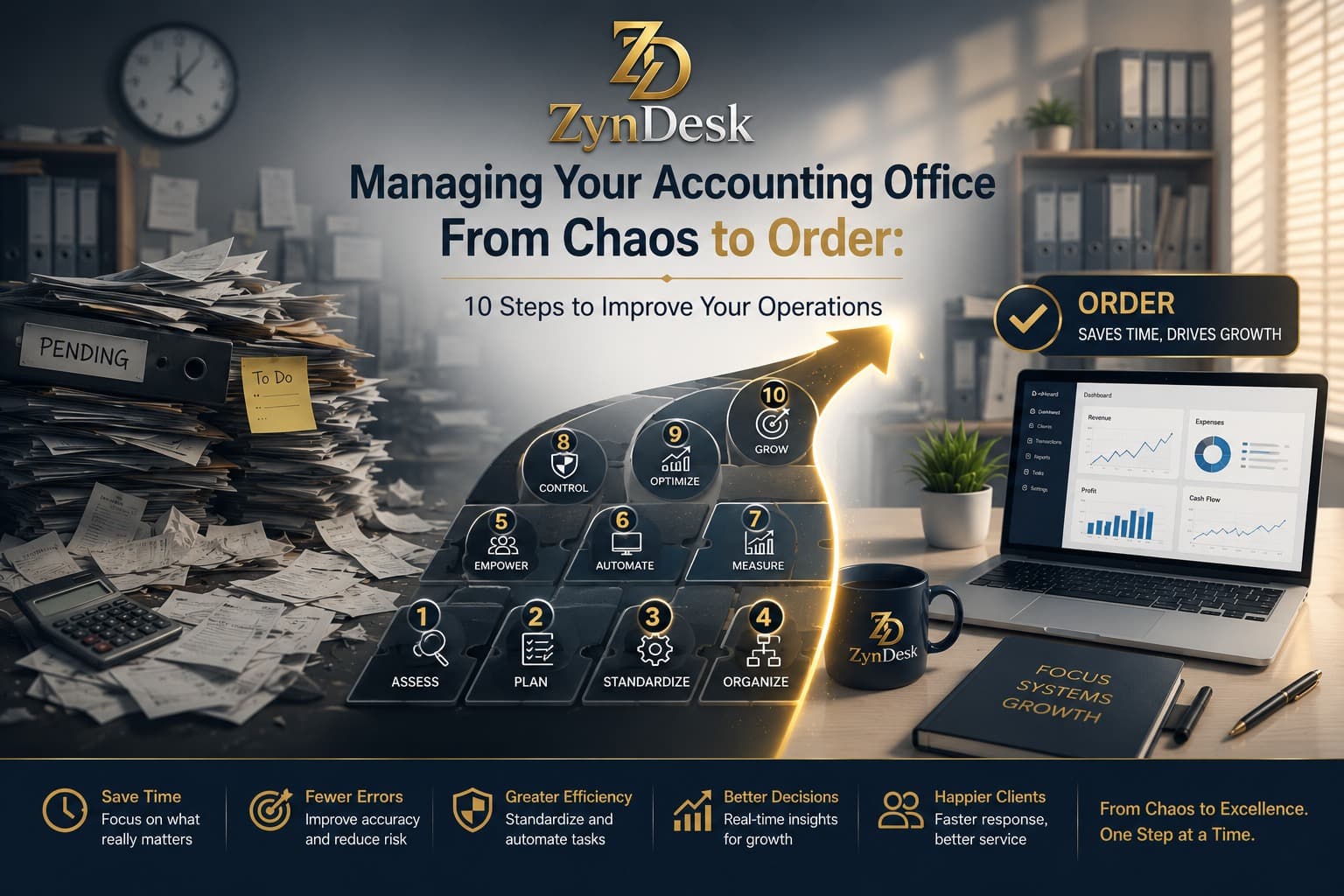
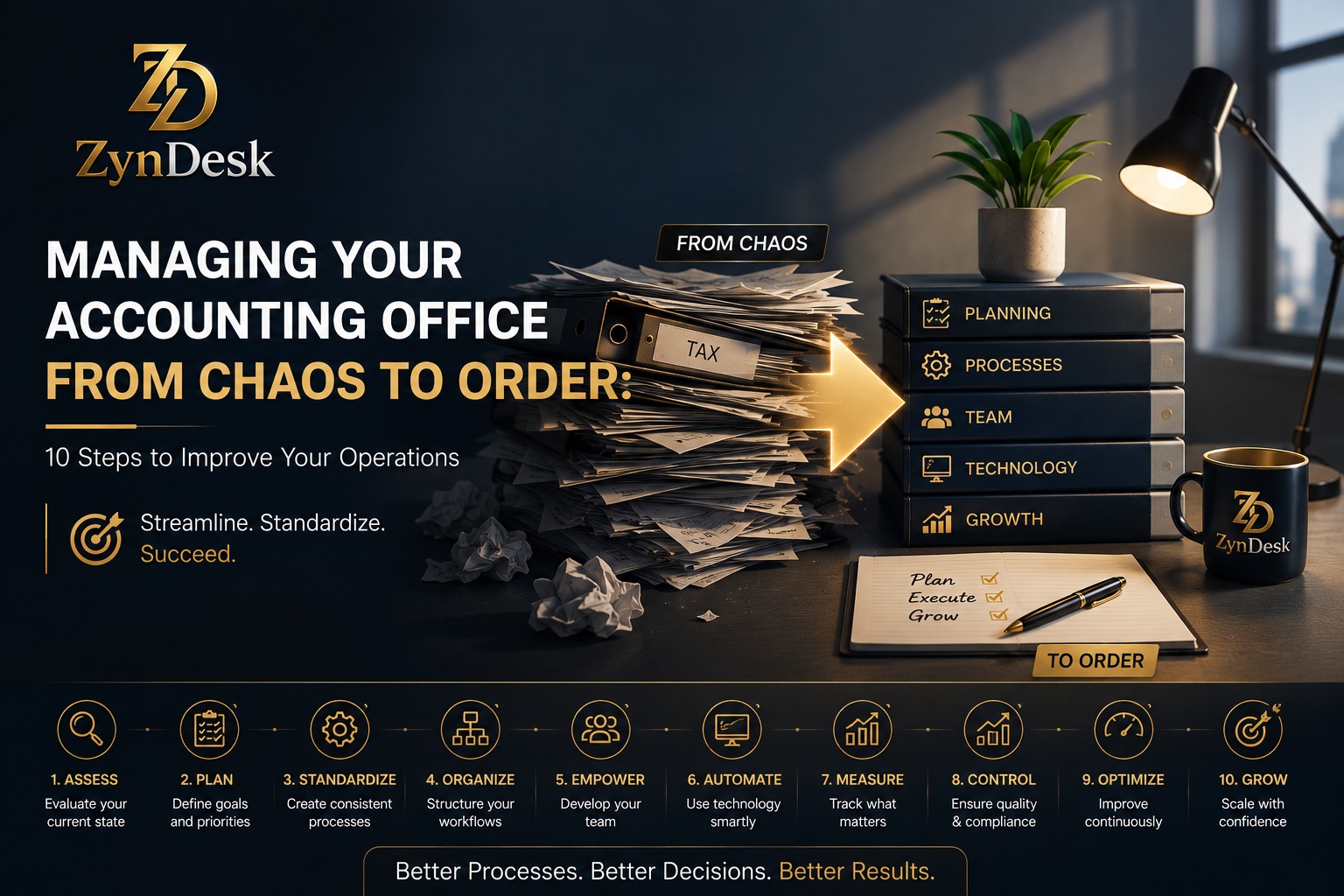
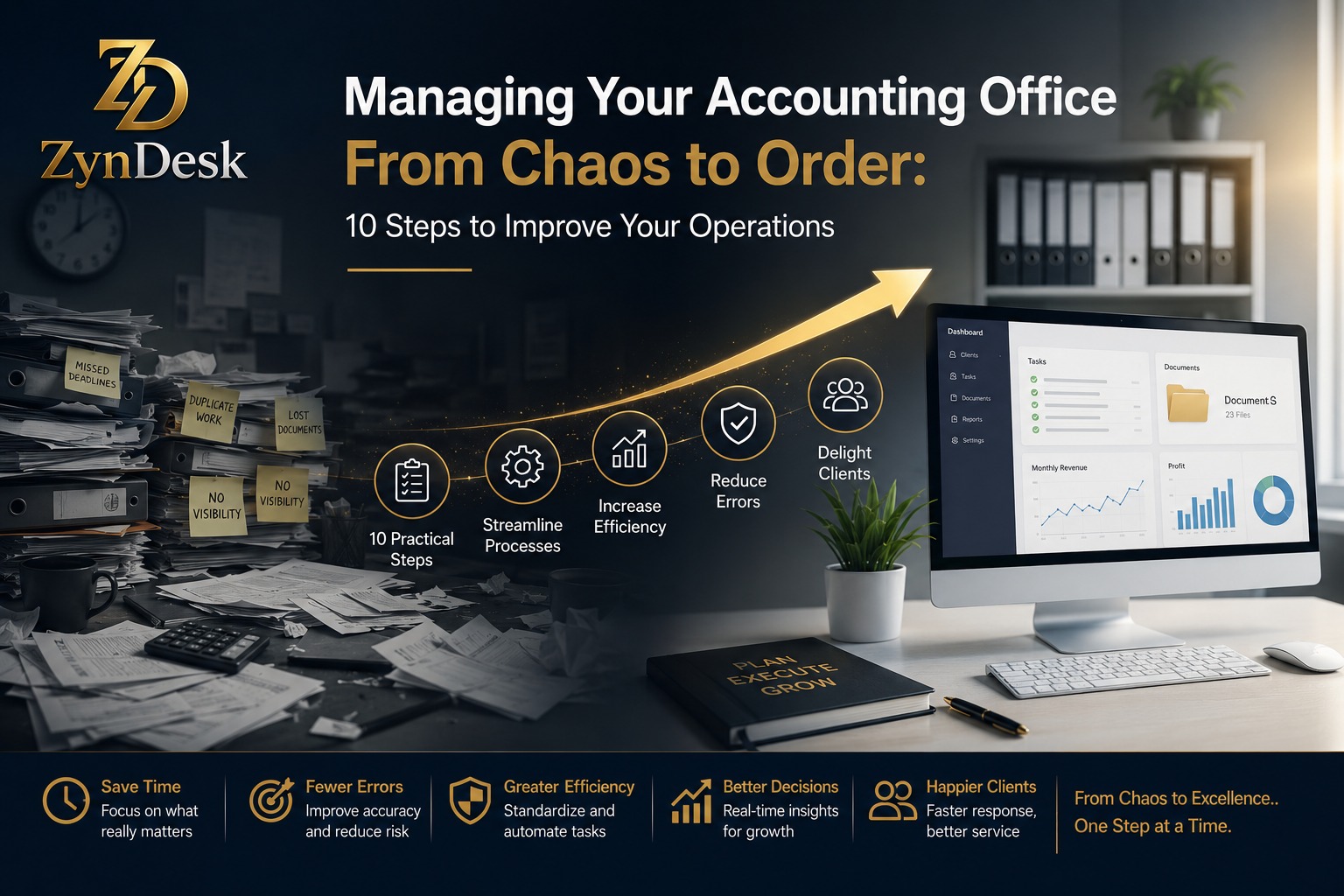
Managing an Accounting Firm from Chaos to Order: 10 Steps to Improve Your Operations
Managing an Accounting Firm from Chaos to Order: 10 Steps to Improve Your Operations
Managing an accounting firm does not become more complicated simply because the number of clients increases. The real complexity begins when tasks multiply and information becomes scattered across email, Excel files, chats, and folders, while the way work gets done remains dependent on people’s memory and personal experience.
That is when familiar symptoms start to appear: no one knows who is responsible for a task, a document has been waiting for days, a client sends the same question to multiple employees, an invoice is delayed, and a deadline is approaching while the manager tries to figure out where the work stands.
The problem is not necessarily a lack of employees or even a lack of software.
The problem is the absence of a clear operating system.
Recent data from the accounting industry indicates that workflow challenges remain widespread. A 2025 report by Cents Financial, based on data from more than 800 firm owners and professionals, found that 55.5% of participating firm owners still faced workflow inefficiencies, while 48.3% reported difficulty managing clients.
Therefore, improving an accounting firm does not begin with buying new software. It begins with redesigning how work moves through the firm.
Executive Summary
If you want to move your accounting firm from chaos to a scalable system, focus on ten steps:
Diagnose the current way of working before changing it.
Turn recurring services into Standard Operating Procedures (SOPs).
Create a unified record for every client.
Organize client intake and the onboarding stage.
Turn work into clear Workflows instead of random tasks.
Define responsibilities, capacity, and review points.
Standardize documents and communication around the work itself.
Connect service delivery with billing and collections.
Measure the firm through KPIs rather than impressions.
Automate repetitive work, then introduce AI with clear controls.
Why Does Accounting Firm Management Become Chaotic as the Firm Grows?
In a small firm, relying on memory, email, and spreadsheets may seem manageable. The manager knows the clients personally, knows who is working on each file, remembers important deadlines, and can solve problems with a quick question.
But this approach does not scale.
As the number of clients, employees, or services increases, personal knowledge becomes an operational bottleneck.
The question becomes:
“Who knows what?”
rather than:
“Who will perform the task?”
This is where problems begin:
Tasks depend on memory.
Priorities are unclear.
There is no defined Owner for each task.
Deadlines are scattered across multiple places.
Documents are stored in different folders.
Client communication is disconnected from the work it relates to.
The manager becomes the central point for every decision.
It becomes difficult to determine the team’s actual capacity.
Billing and collections are delayed because they are disconnected from the workflow.
It becomes difficult to identify the reason behind service delays.
That is why the first step is not buying software.
It is understanding the current system.
Step One: Map the Current Workflow Before Improving It
Before automating anything, ask:
How does work move through the firm today?
Take one recurring service, such as tax return preparation or monthly bookkeeping, and map it from beginning to end.
For example:
Client Request → Data Collection → Document Review → Execution → Review → Manager Approval → Delivery → Billing → Collection → Closure
Then define the following for each stage:
Element
Question
Trigger
What starts the work?
Owner
Who is responsible?
Input
What information is required?
Task
What needs to happen?
Deadline
When must it happen?
Review
Who reviews it?
Output
What is the required result?
Next Step
What happens afterward?
If you cannot describe the process this way, it is too early to automate it.
Important Rule
Do not automate chaos.
If the process is unclear, automation will only make the chaos faster, not better.
Step Two: Turn Recurring Services into SOP
An SOP, or Standard Operating Procedure, is a clear description of how to perform a recurring process.
Instead of the organization relying on:
“Mohamed knows how to handle this file.”
The process becomes:
“Any qualified person can perform the process according to the approved steps.”
That is a fundamental difference.
What Should an SOP Include?
For every recurring service, document:
When does the process begin?
Who is responsible for it?
What documents are required?
What are the execution steps?
What are the review points?
What are the exceptional cases?
When should the client be contacted?
What defines completion?
What triggers the transition to the next stage?
When is the invoice issued?
An SOP can be simple at first. What matters is that it is clear and repeatable.
Step Three: Create a Unified Record for Every Client
One of the most common causes of chaos is that client information does not exist in one place.
You may find:
Contact information in the CRM.
Documents in Google Drive.
Messages in email.
Task status in Excel.
The invoice in another system.
Notes in WhatsApp.
Contract details in a separate PDF file.
So when the manager asks:
“What is the status of this client?”
the team begins a search across multiple systems.
The solution is to create a Single Source of Truth.
Each client should have a clear operational record that connects, depending on the firm’s needs:
Client information.
Owners.
Tasks.
Deadlines.
Documents.
Important communications.
Contracts or engagement agreements.
Invoices.
Payments.
Work status.
This direction has become increasingly clear in modern Practice Management solutions. For example, TaxDome brings the client, tasks, documents, and communication together in a unified environment, while Canopy focuses on connecting CRM, Workflow, documents, billing, and communication around the client record.
Step Four: Organize Client Onboarding Instead of Handling It Randomly
A new client is one of the clearest points at which weaknesses in the operating system become visible.
If every employee onboards a client differently, the quality of the experience will vary as well.
Therefore, design a standardized Client Onboarding Workflow.
Example:
Lead → Qualification → Proposal → Engagement → Data Collection → Verification → Assignment → Service Start
Define what should happen automatically or procedurally at each stage.
For example, after the engagement agreement is signed:
Create the client file.
Create the core tasks.
Assign the Owner.
Send the required-document checklist.
Schedule the review date.
Create the relevant financial tasks.
Record the service start date.
The goal is not necessarily to automate everything.
The goal is to ensure that every new relationship does not start from a blank page.
Step Five: Turn Work into Repeatable Workflows
This is the point where the firm moves from task management to process management.
A standalone task says:
“Send the document request to the client.”
A Workflow says:
“When the tax return service begins, create a defined set of tasks, assign the Owners, establish deadlines and review points, send notifications, and define transition conditions.”
This difference is extremely important.
What Should a Good Workflow Contain?
Component
Function
Trigger
Start of the process
Tasks
What needs to be done
Owner
Person responsible
Due Date
Deadline
Dependency
What must be completed first
Review
Verification point
Notification
Alert
Client Request
What is required from the client
Completion Rule
When the process is considered complete
Modern Practice Management platforms support this concept through templates, recurring tasks, dependencies, reminders, and status updates.
Practical Example
Instead of:
“Prepare Ahmed’s monthly accounts.”
Use:
Request bank statements.
Receive the documents.
Verify that they are complete.
Record the transactions.
Perform reconciliations.
Conduct an internal review.
Handle exceptions.
Approve the file.
Send the report.
Issue the invoice.
Close the period.
This turns the work into a measurable process rather than an ambiguous task.
Step Six: Distribute Responsibilities and Manage Team Capacity
Having a Workflow is not enough if all the work ultimately ends up with the same person.
You need to know:
Who is working on what?
How many tasks does each person have?
What deadlines are approaching?
Who has available time?
Where are the bottlenecks?
Who needs support?
Which work requires partner or manager review?
This process is called Capacity Planning.
The goal is not to keep every employee 100% busy.
The goal is to understand what the team can actually deliver without sacrificing quality or deadlines.
Solutions such as Canopy, Cents Financial, and Xero address this area within work management by tracking tasks, capacity, deadlines, and work in progress.
Do Not Measure Employees by Task Count Alone
Two complex tasks are not equivalent to ten simple tasks.
Therefore, combine:
Number of tasks.
Workload.
Deadlines.
Complexity level.
Working hours.
Work waiting on the client.
Work waiting for review.
Step Seven: Connect Documents and Communication to the Work
Email is not an operations management system.
WhatsApp is not a document management system.
Google Drive alone is not a Workflow system.
These tools can be useful, but the problem arises when they become the primary place for determining the status of work.
In a well-organized firm, you should be able to answer:
What documents are required?
What have we received?
What is missing?
Who communicated with the client?
What is the next task?
Who owns it?
What is its deadline?
Is it waiting on the client or the employee?
This is why documents and communication need to be connected to the client record and Workflow.
Platforms such as Karbon, TaxDome, and Canopy illustrate the move toward connecting email or communication, tasks, documents, and the client record rather than keeping each element isolated.
Step Eight: Connect Service Delivery with Billing and Collections
A common operational mistake is for the service to finish and only then for the team to ask:
“Has the invoice been issued?”
Ideally, billing should be part of the process itself.
For example:
Engagement Signed → Service Activated → Work Completed → Billing Trigger → Invoice → Payment → Closure
This does not mean every firm must use exactly the same model.
But there should be a clear connection between:
What was agreed → What was delivered → What should be billed → What has been collected
Modern Practice Management solutions provide this connection to varying degrees. QuickBooks Practice Manager, for example, connects project and task management with clients and billing, while Xero Practice Manager connects jobs and time tracking with billing and reporting.
Important Metrics
Value of completed but unbilled work.
Outstanding invoices.
Average collection days.
Collection rate.
Revenue by service.
Revenue by client.
Out-of-scope work.
Step Nine: Create an Operational Dashboard for the Firm
If the manager needs to ask five people to understand the status of the firm, the system is not mature yet.
A single Dashboard should be able to answer questions such as:
Work
How many tasks are open?
How many tasks are overdue?
What are the nearest deadlines?
Which work is waiting on the client?
Team
Who has the highest workload?
Where are the bottlenecks?
Which tasks require review?
Clients
Who is waiting to provide documents?
Who has not responded?
Which clients are at risk of delay?
Money
How much has been invoiced?
How much has been collected?
What is outstanding?
What is the value of unbilled work?
Key Recommended KPIs
KPI
What It Tells You
On-Time Completion Rate
How consistently work is completed on time
Tasks Overdue
Volume of delayed work
Client Response Time
How quickly clients respond
Average Turnaround Time
How quickly services are completed
WIP
Uncompleted work in progress
Billable Utilization
Use of time available for billing
Realization
Conversion of work into revenue
Collection Rate
Collection efficiency
Client Concentration
Dependence on a limited number of clients
Rework Rate
Volume of work that must be redone
Workflow Bottleneck Rate
Where processes are getting stuck
The goal is not to collect dozens of numbers.
The goal is to have a small set of metrics that help the manager make decisions.
Step Ten: Automate Repetitive Work, Then Introduce AI
Once the processes are built, automation comes next.
You can start with simple actions such as:
Creating recurring tasks.
Sending reminders.
Updating statuses.
Creating tasks after a specific event.
Notifying the Owner when a task is delayed.
Sending document requests.
Creating invoices when a defined condition is met.
Automatically updating the Dashboard.
But AI requires a higher level of governance.
The logic should not be:
“We have AI, so let’s let it manage the process.”
Instead:
“We have a clear process and organized data. Now we use AI where it adds value and can be monitored.”
This aligns with the NIST AI Risk Management Framework, which organizes thinking around the functions Govern, Map, Measure, and Manage when designing and using AI systems.
Where Can AI Be Useful?
Summarizing client communications.
Classifying documents.
Extracting structured information.
Suggesting the next step.
Detecting anomalies.
Summarizing client status for the manager.
Natural-language search across data.
Assisting with report preparation.
However, sensitive professional decisions should remain subject to an appropriate level of human review based on the nature of the service and the associated risks.
From Chaos to Order: The Proposed Operating Model
The entire transformation can be summarized as follows:
Client
↓
CRM / Client Record
↓
Engagement
↓
Workflow
↓
Tasks + Deadlines + Owners
↓
Documents + Communication
↓
Review / Approval
↓
Delivery
↓
Billing
↓
Collection
↓
Reporting
↓
Continuous Improvement
This is the difference between a firm that manages work and a firm that has an operating system.
Do You Need Accounting Firm Management Software?
Yes, when operational complexity becomes greater than what manual tools can effectively handle in terms of visibility and control.
But buying software is not the first step.
The better sequence is:
Understand the processes.
Standardize procedures.
Define responsibilities.
Organize the data.
Design Workflows.
Define KPIs.
Choose the right technology.
Automate.
Continuously improve.
Because software alone cannot fix an unclear process.
When Do Excel and Email No Longer Suffice?
There is no single digital tipping point that applies to every firm.
But there are clear signs:
You have a large number of recurring tasks.
The manager cannot see the status from a single screen.
Clients send documents through multiple channels.
Employees constantly ask, “What is the next step?”
There are overdue tasks whose cause is unclear.
Data is being copied between multiple systems.
Billing is separate from work completion.
The firm depends on one employee who “knows everything.”
The same work is manually repeated for every client.
Growth is creating more chaos instead of increasing capacity.
When these signs appear, the problem is no longer simply personal organization.
It has become an operating-system problem.
How Can a Platform Like ZynDesk Fit into This Model?
The goal of a business management platform is not to replace the accountant’s professional judgment. Its purpose is to make the processes surrounding the work clearer, more organized, and measurable.
According to the proposed operating model, a platform such as ZynDesk can serve as an operational layer connecting the elements a firm needs, such as:
Client Management.
Service Management.
Workflows.
Tasks.
Documents.
Contracts.
Billing.
Collection.
Automation.
Processes ready for integration with AI capabilities.
The fundamental idea is not to put everything into one software system simply for the sake of doing so.
Instead, there should be a logical relationship between the elements of the work.
When a client moves from one stage to another, the system should understand what that transition means for the related tasks, documents, responsibilities, and next step.
This is the real value behind the concept of Operations Connected.
10 Mistakes That Cause an Accounting Firm to Fall Back into Chaos
1. Automating a Bad Process
If a process is wrong when performed manually, automating it will simply repeat the mistake.
2. Creating an Overly Complex Workflow
If an employee needs dozens of statuses to complete a simple task, they will not follow the system.
3. Having No Owner
A task that the team is working on often ends up being something that no one actually owns.
4. Measuring Task Count Only
Task count does not reflect complexity, value, or time.
5. Ignoring the Client Inside the Workflow
Accounting work often depends on information from the client. Therefore, “Waiting for Client” should be a clearly defined status, not an ambiguous task.
6. Separating Billing from Operations
When the invoice is not connected to the work, revenue is delayed.
7. Building a Dashboard for Display Only
A good Dashboard should lead to a decision.
8. Trying to Digitize Everything at Once
Start with the processes that are most frequent and have the greatest impact.
9. Relying on AI Before Organizing the Data
AI does not compensate for unstructured data.
10. Failing to Review the System
The Workflow you designed a year ago may not be the best Workflow today.
How to Get Started in 30 Days
Week One: Diagnosis
Choose three recurring services and map each process from beginning to end.
Identify:
Points of delay.
Manual work.
Repeated data entry.
Review points.
Where information is lost.
Week Two: Standardization
Create an SOP for each service.
Define:
Trigger.
Owner.
Tasks.
Deadline.
Review.
Completion Criteria.
Week Three: System
Create:
Client Record.
Workflow Templates.
Task Ownership.
Document Structure.
Communication Rules.
Billing Triggers.
Week Four: Measurement and Automation
Start with:
Dashboard.
KPIs.
Automated Reminders.
Recurring Tasks.
Status Updates.
Then determine where automation or AI can provide genuine value.
Checklist: Is Your Accounting Firm Truly Organized?
Place a checkmark next to every statement that applies to your firm:
Each service has a clear Workflow.
Each task has a defined Owner.
SOPs exist for recurring services.
Each client has a centralized record.
Documents are organized and accessible.
The status of every engagement is clear.
Overdue tasks are visible.
Work waiting on the client is clearly identified.
Review and approval points exist.
Billing is connected to the work.
Collections can be tracked.
The manager has an operational Dashboard.
Performance is measured regularly.
Automation is used for repetitive tasks.
AI usage is subject to review and governance.
If most of the answers are No, the problem is not that your team needs to work harder.
The problem is that the system needs to be redesigned.
FAQ: Frequently Asked Questions About Accounting Firm Management
What Is the Best Way to Organize an Accounting Firm?
The best approach is to turn recurring processes into clear Workflows containing tasks, Owners, deadlines, and review points, supported by a centralized record for each client and performance metrics for monitoring execution.
What Does Accounting Firm Operations Management Mean?
It means managing how work moves from the client request through execution, review, delivery, billing, and collection, rather than managing each task separately.
Does an Accounting Firm Need Practice Management Software?
Not every firm needs the same platform. However, as the number of clients, tasks, communications, and deadlines increases, Practice Management tools become useful for standardizing clients, tasks, Workflows, documents, billing, and reporting. Modern solutions in the market clearly demonstrate this direction.
When Should Accounting Firm Processes Be Automated?
Start when the process is recurring, stable, and governed by clear rules. Do not begin by automating exceptional or poorly understood processes.
Can an Accounting Firm Be Managed Using Excel?
It can be used during the early stages, but Excel becomes less suitable when you need interconnected Workflows, clear responsibilities, real-time updates, client-linked communication, automation, and operational metrics.
What Is the Most Important KPI for an Accounting Firm?
There is no single sufficient KPI. Important metrics include on-time completion, overdue tasks, service turnaround time, capacity, work in progress, collection rate, billing, and rework.
How Can I Reduce Overdue Tasks in an Accounting Firm?
Start by identifying the reason for the delay: Is the task waiting for an employee, a review, a document from the client, or a decision? Then make these states visible within the Workflow instead of treating them simply as “overdue tasks.”
How Should I Organize Client Documents?
Use a standardized structure, clear naming conventions, appropriate permissions, and connect documents to the client record and the work in which they are used rather than storing them separately from the context of the process.
Is AI Suitable for Accounting Firms?
Yes, for use cases such as summarization, classification, data extraction, search, and assisted analysis. However, its use should be accompanied by appropriate governance and human review based on risk. The NIST AI RMF provides a practical framework for thinking about AI system risk management.
What Is the Difference Between Accounting Software and Practice Management Software?
Accounting software primarily focuses on financial processing and accounting, while Practice Management software focuses on operating the firm itself: clients, tasks, deadlines, Workflows, documents, communication, billing, and reporting. The two categories may integrate or overlap depending on the product.
What Is the First Process I Should Improve?
Choose a recurring, high-volume process with clear rules that causes a noticeable amount of delay or manual work. Do not start with the most complex process.
Conclusion
Managing an accounting firm efficiently does not mean that your team must work faster all the time.
It means that the right work knows the right path, to the right person, at the right time, with the right information.
The transition from chaos to order begins with understanding processes, then standardizing them, then organizing client data, tasks, and documents, followed by connecting operations with billing and collections, and finally using automation and AI to reduce repetitive work.
Most importantly:
Do not make the system dependent on one person.
If an employee is absent, the way of working should not disappear with them.
If the number of clients increases, the chaos should not multiply with it.
And if the firm grows, its operational capacity should increase instead of making the manager the primary bottleneck.
This is where accounting firm management evolves from day-to-day task management into an operating system that can scale, be measured, and continuously improved.
Discover how ZynDesk can help you build more organized, connected, and measurable business processes instead of managing every part of the work separately.